Thu · Sept 17
Describe Scheduling Launch
| What you can do | Describe | QGenda |
|---|---|---|
| Submit availability | ||
| View schedule | ||
| Post to Marketplace | ||
| Clock in / out |
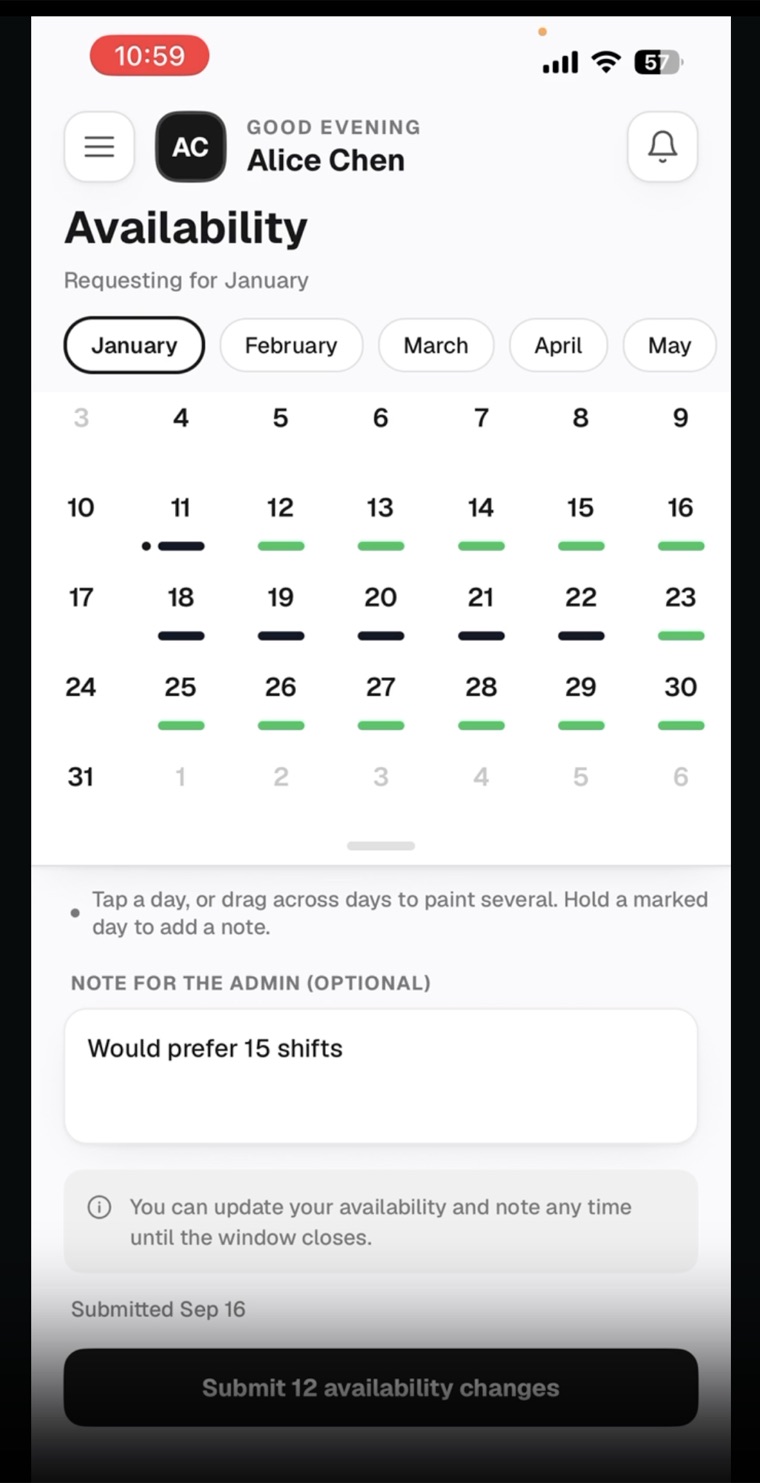
Describe availability starts with January 2027. The Marketplace stays closed until Sept 29.
Frequently Asked Questions
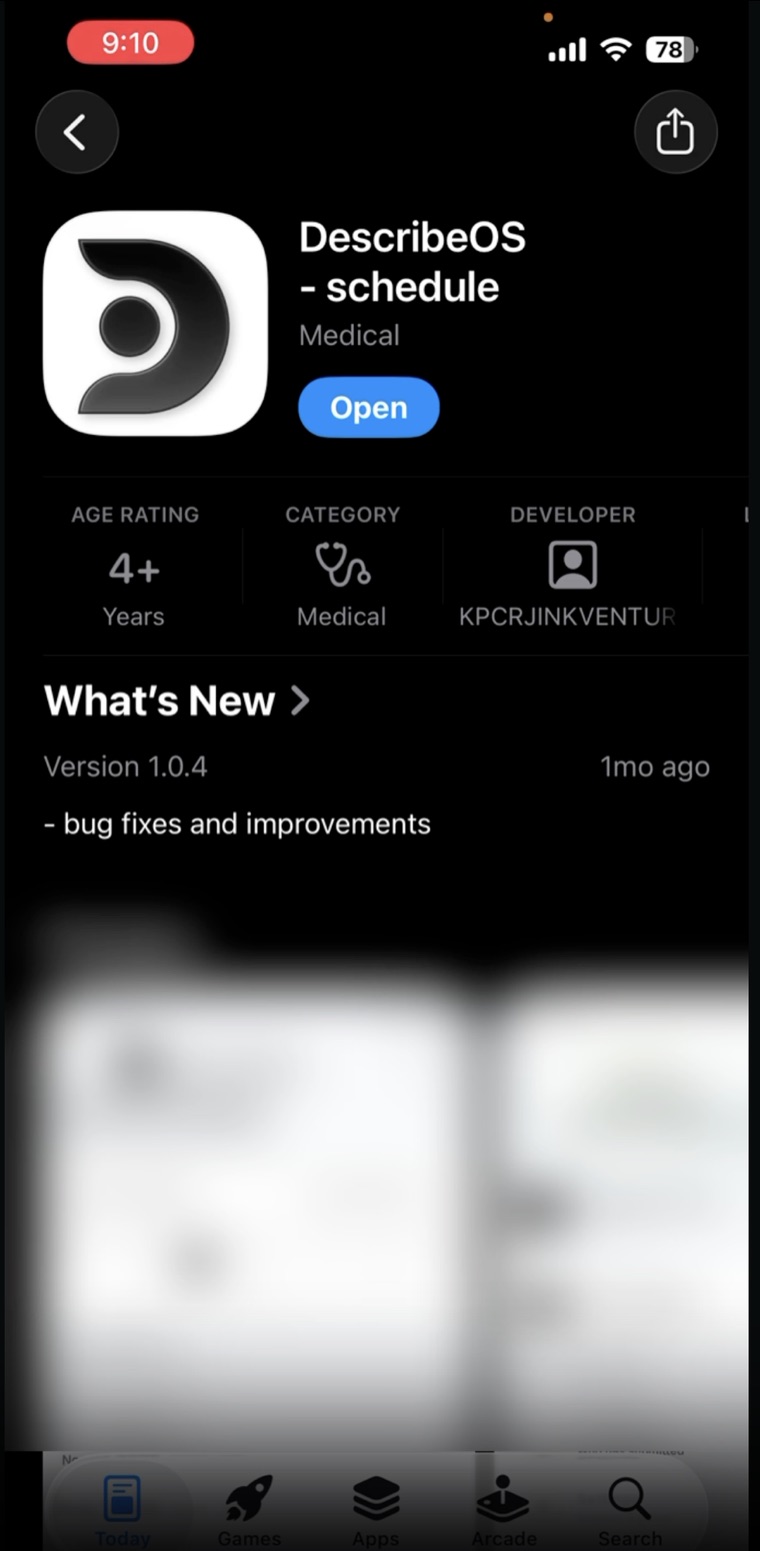
Download the app by clicking or scanning the QR code below.
NoteThis is a private link and cannot be searched for in the App Store or the Google Play Store. You will have to use the link.
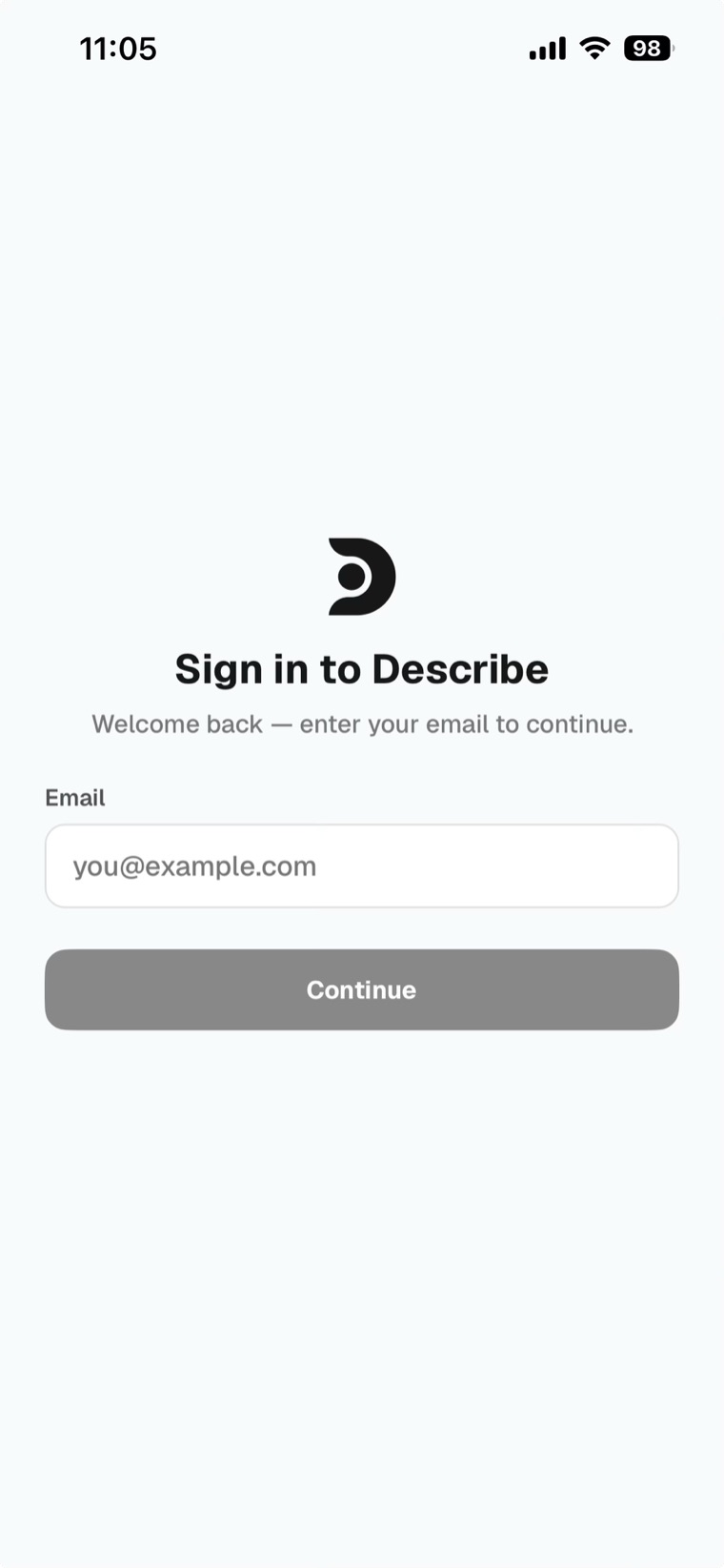
NoteWhile it looks very similar, this is a separate app from the one used in the South. You must download this for your CritiCare schedule.
Providers can’t log in to the desktop site at the moment — we’re working on it.
To submit availability and post, trade or pick up shifts, please use the app.
NoteAdmins can create and share a public link to specific schedules. These links are for viewing only.
See slide 7 for a demo video
NoteAll clock-ins and clock-outs through Describe go through admin approval.
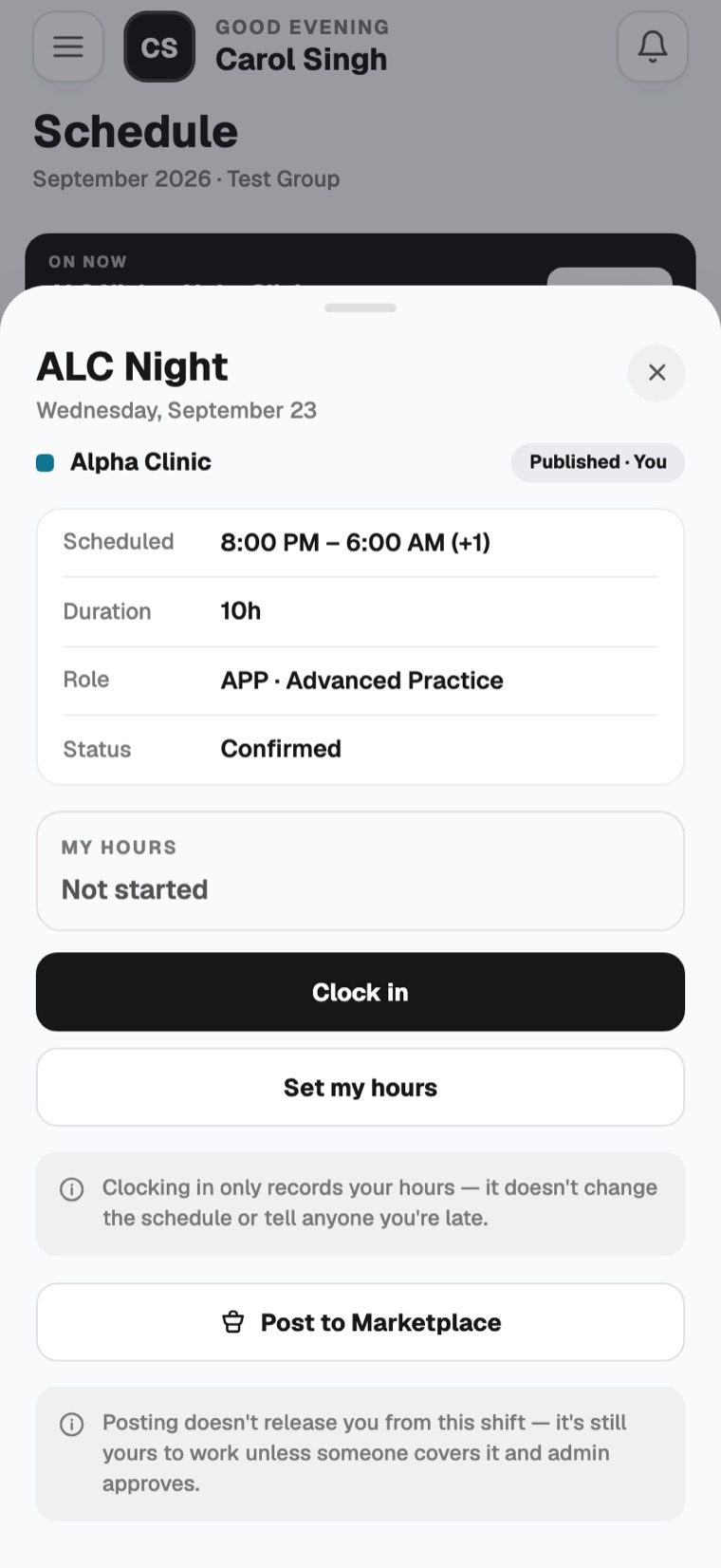
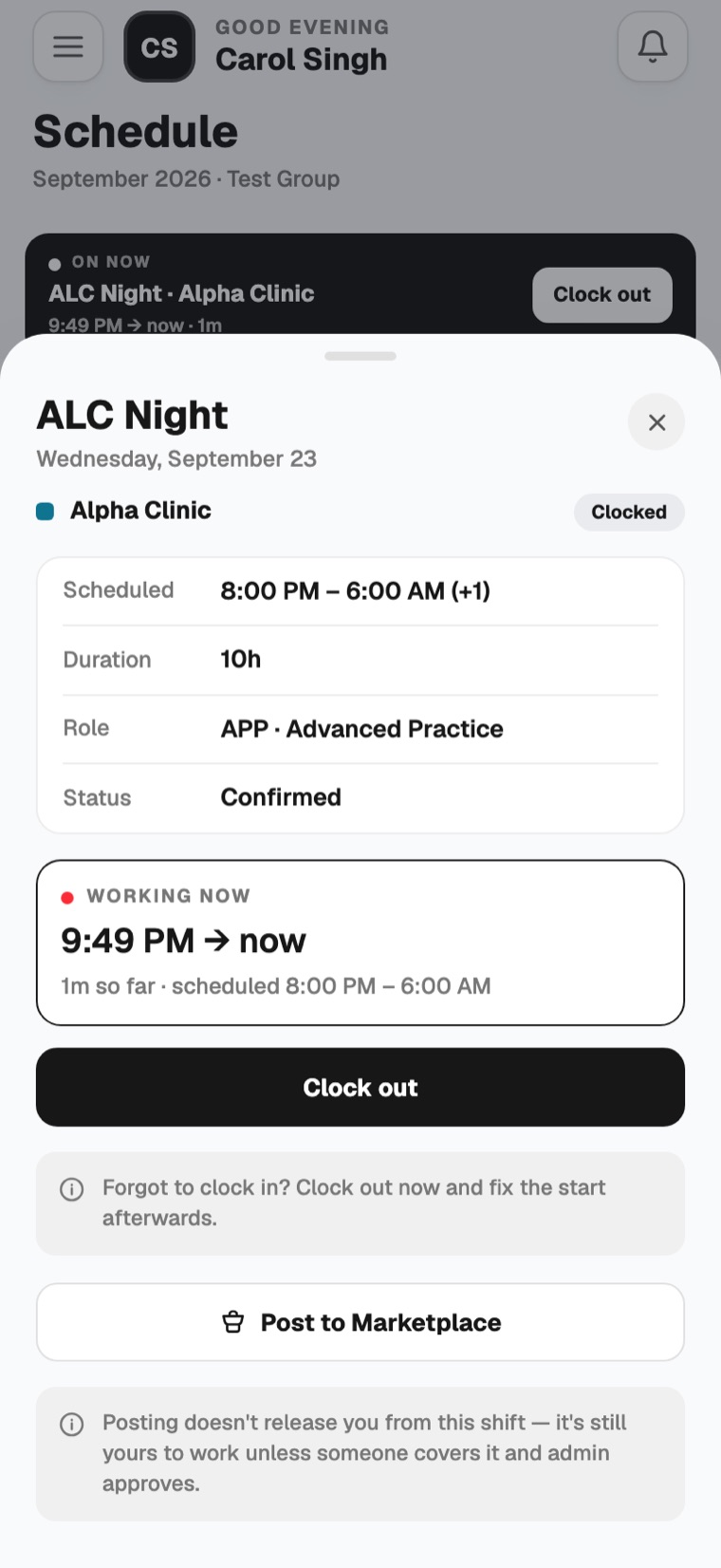
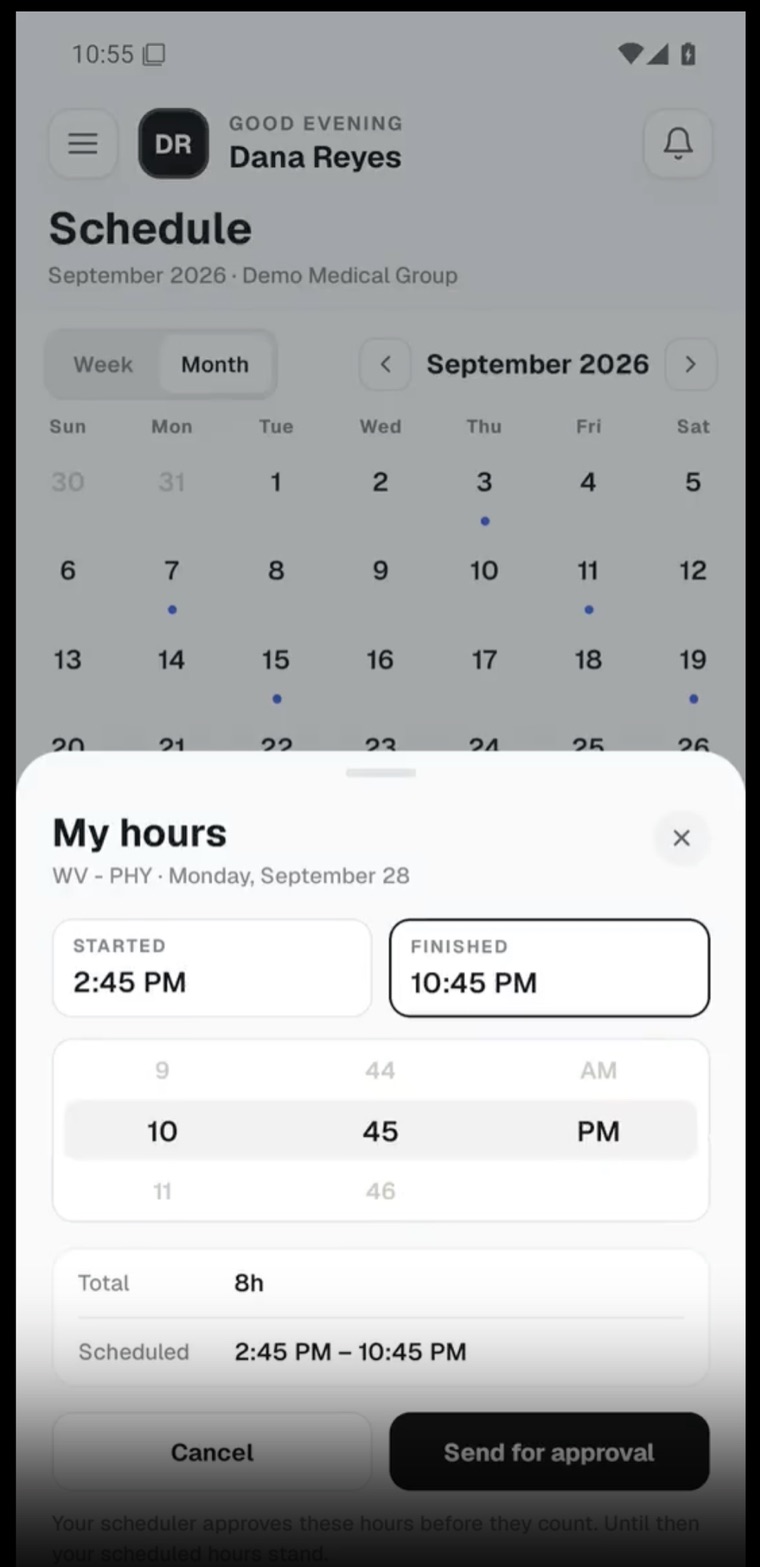
NoteYour scheduler approves edited hours before they count. Until then, your scheduled hours stand.
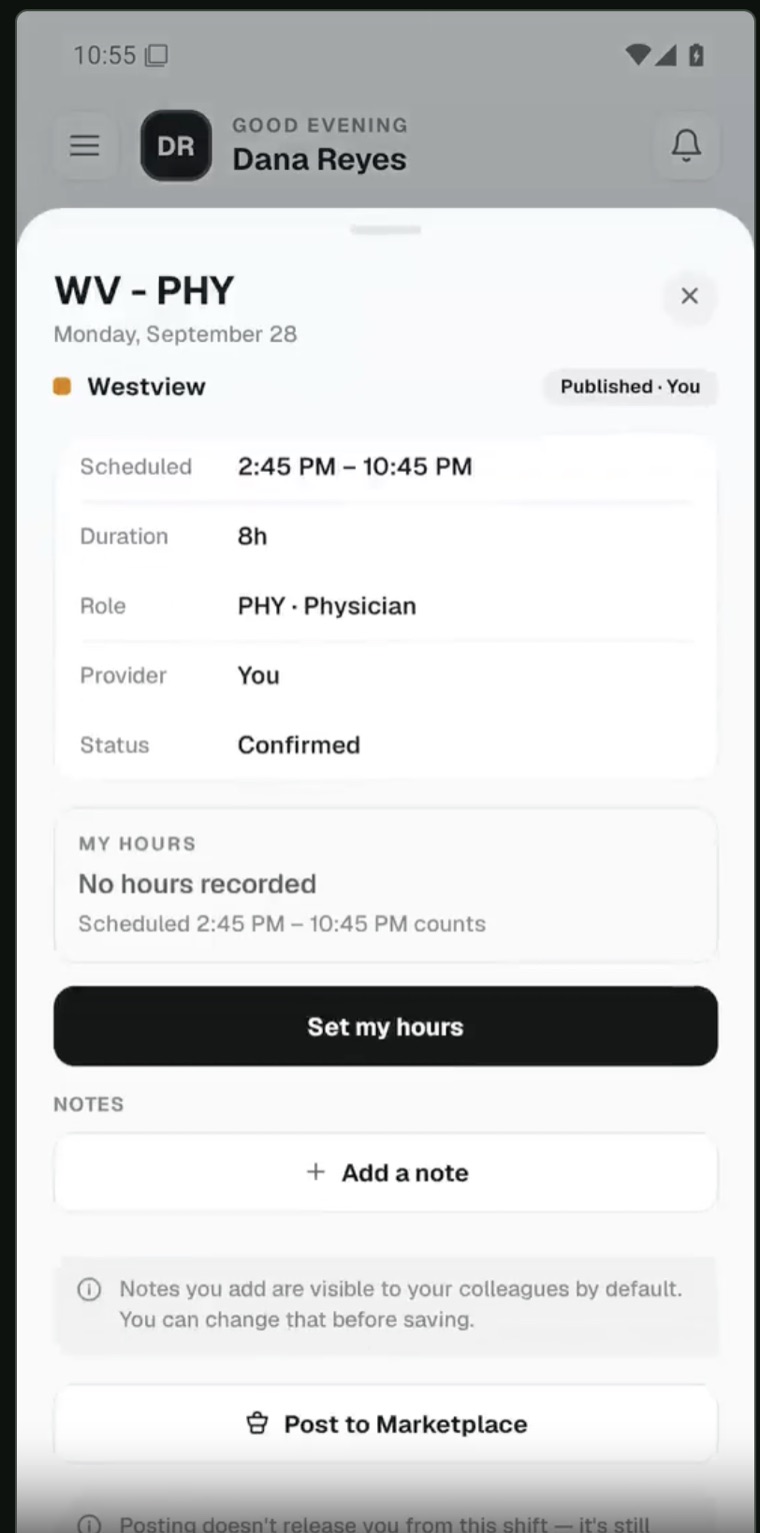
Tap on your shift and click on the + Add a Note button. You can do this from Schedule or from My hours (menu → My hours).
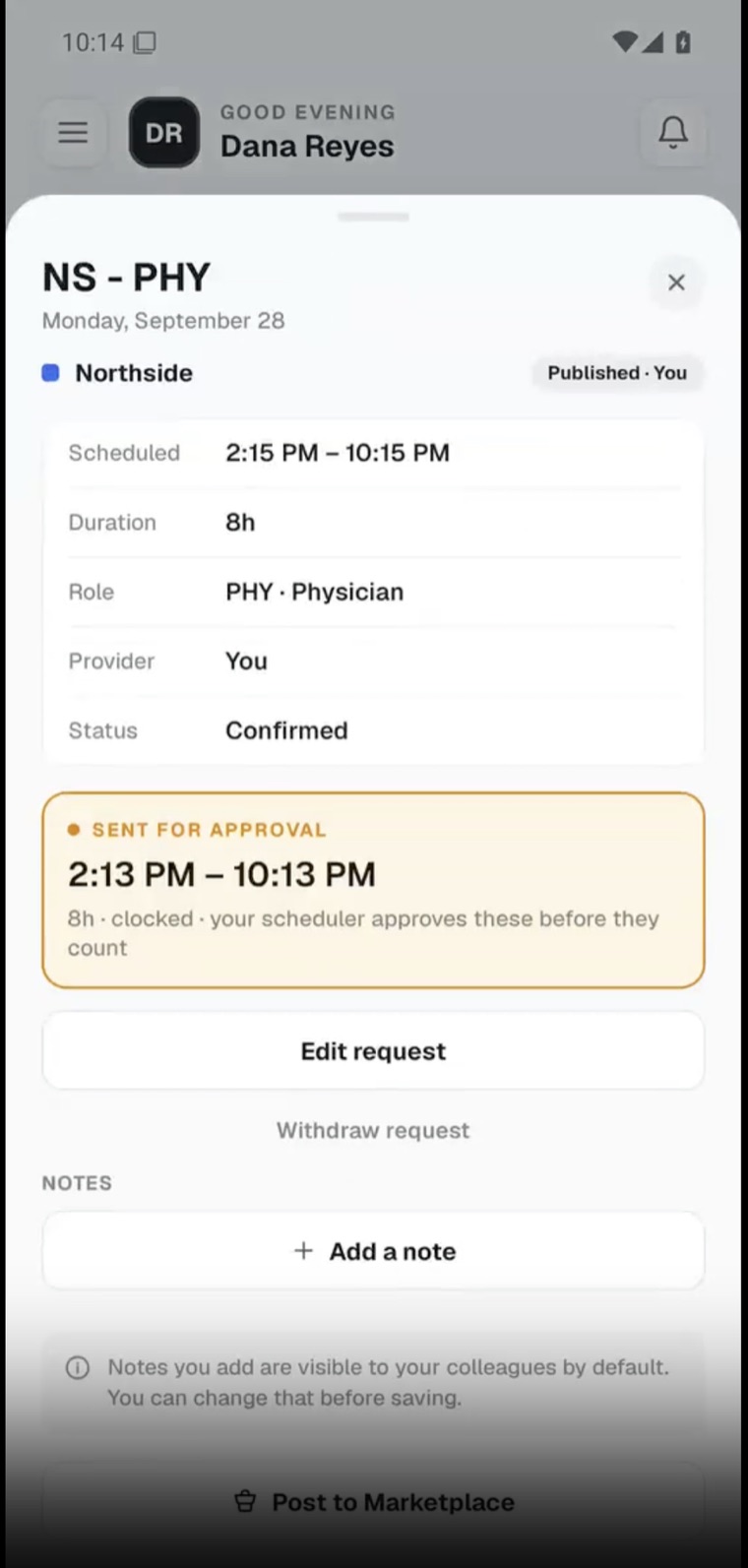
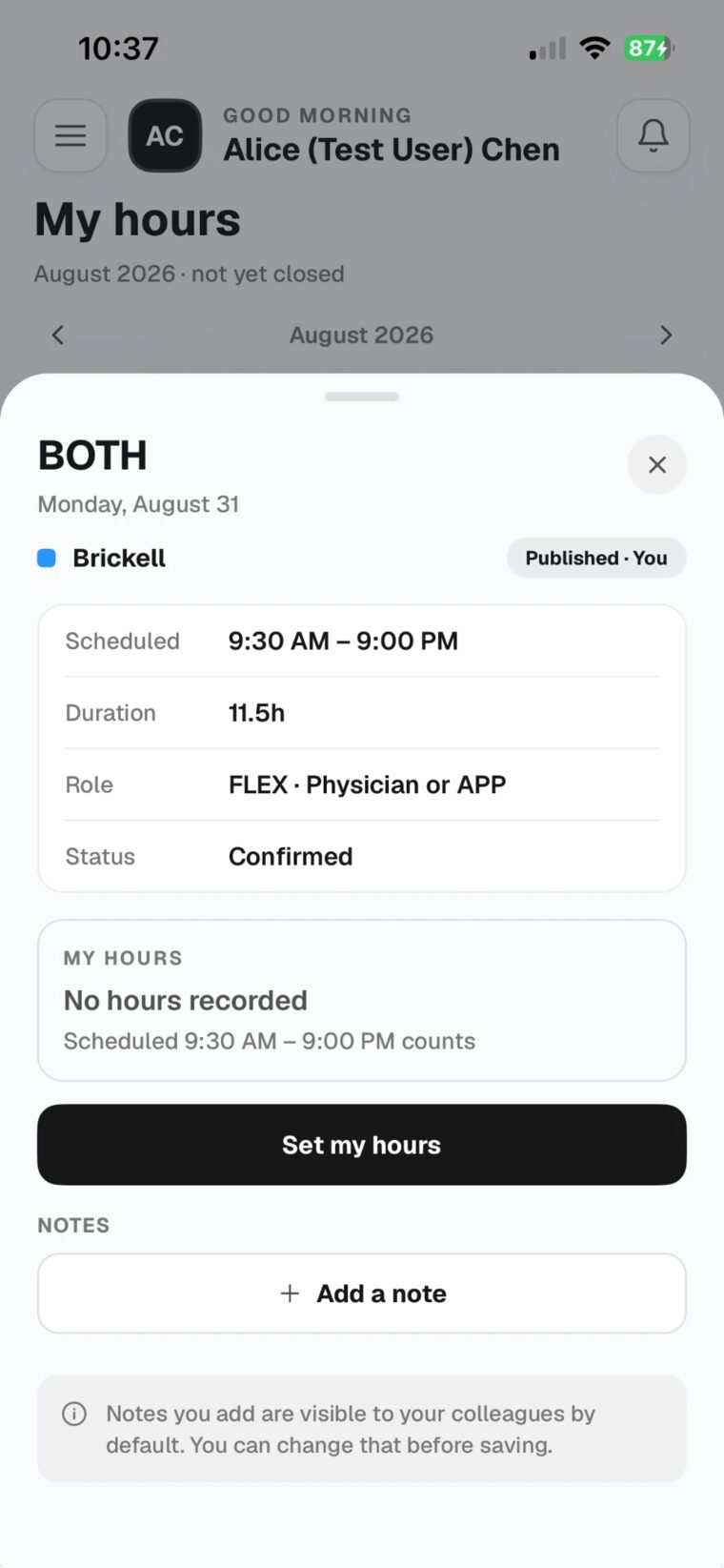
See slide 10 for a demo video
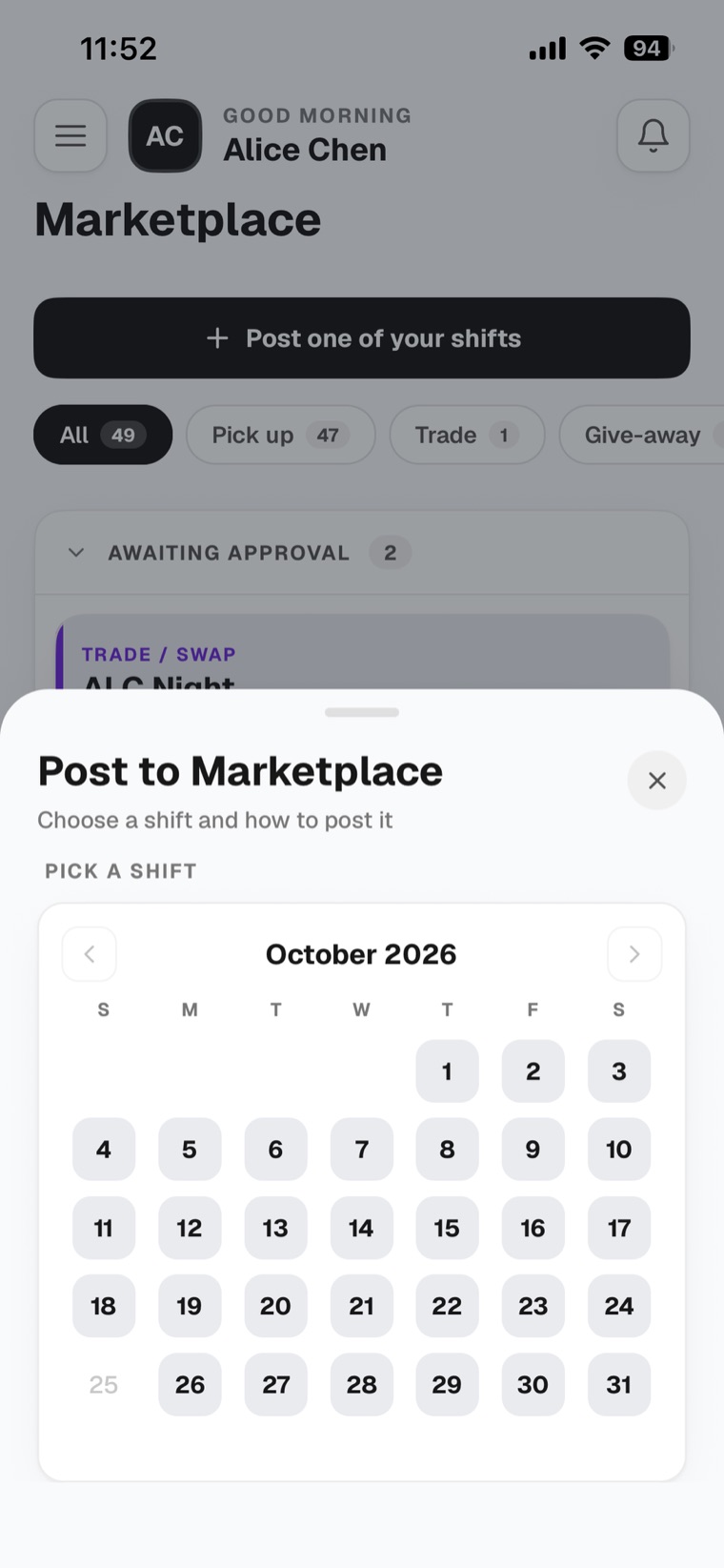
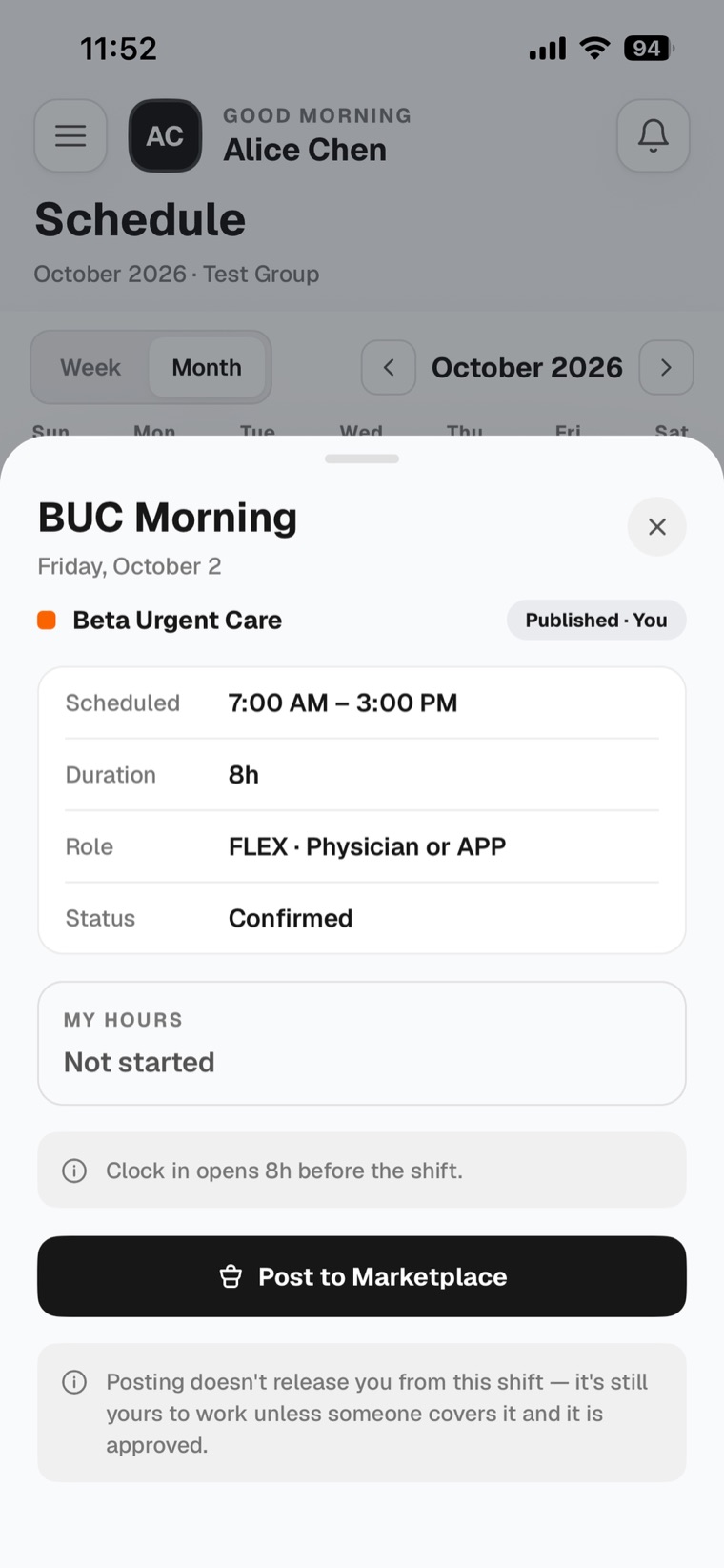
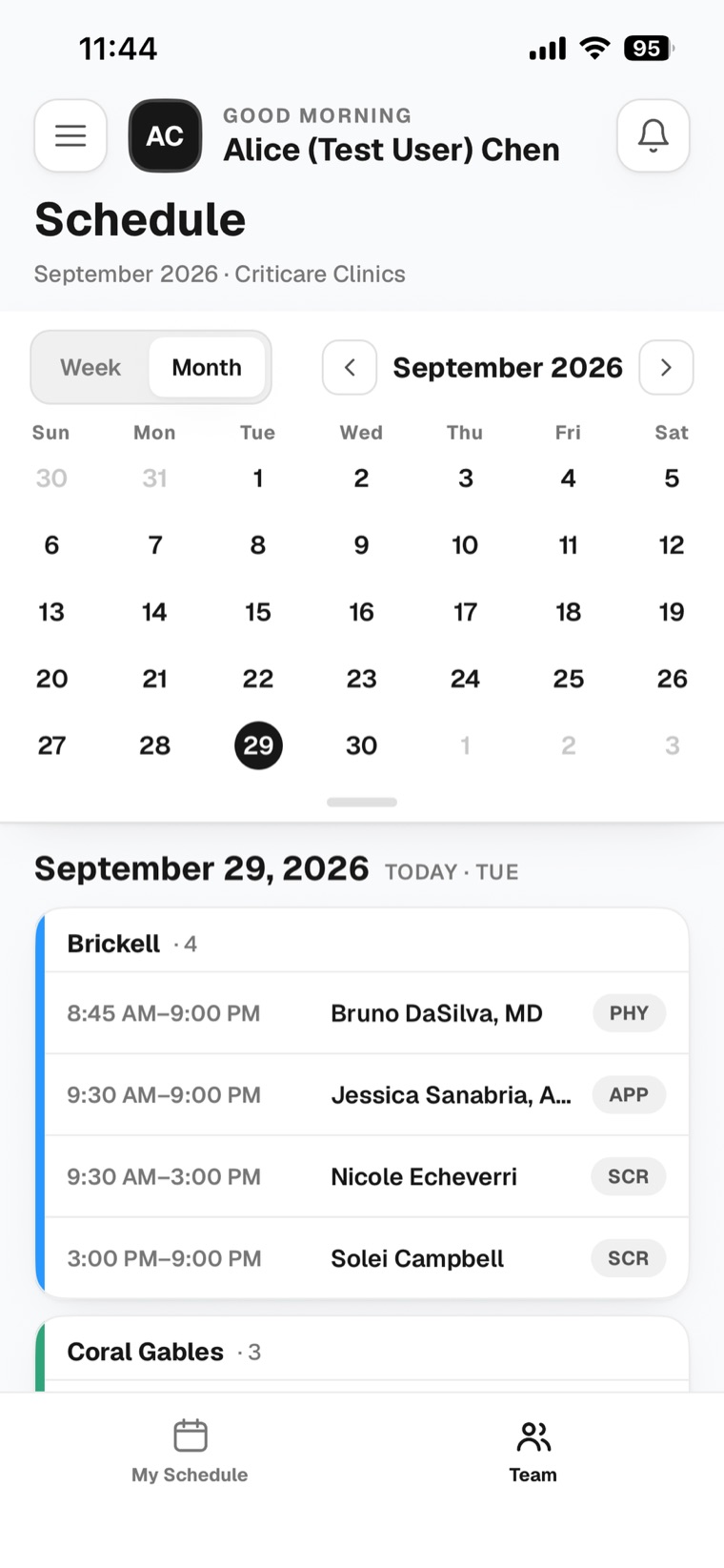
On the Schedule screen, go to the Team tab to see all sites and all shifts. By default you’re in the My Schedule tab, which only shows your own shifts.
See slide 8 for a demo video
A trade takes 3 steps, in this order:
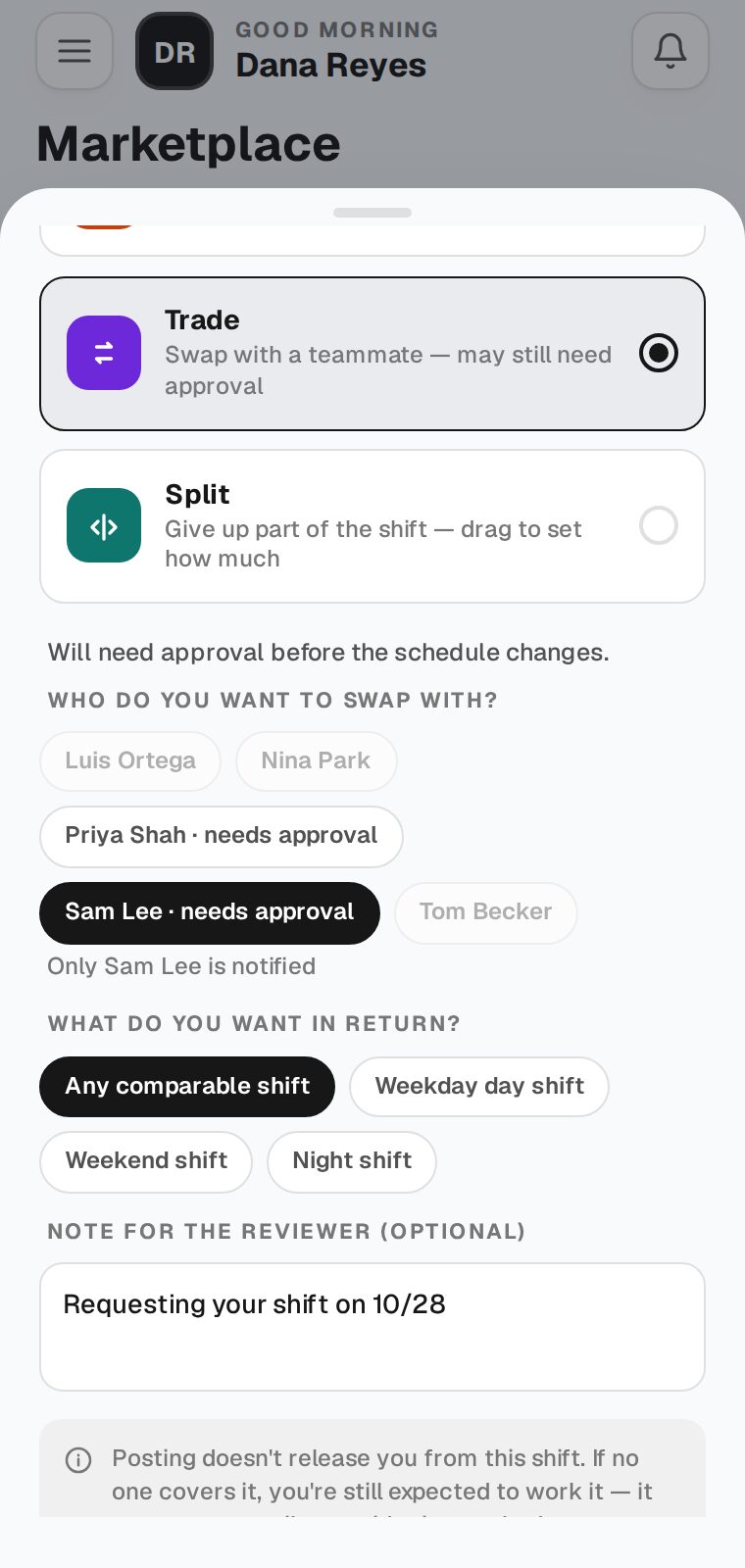
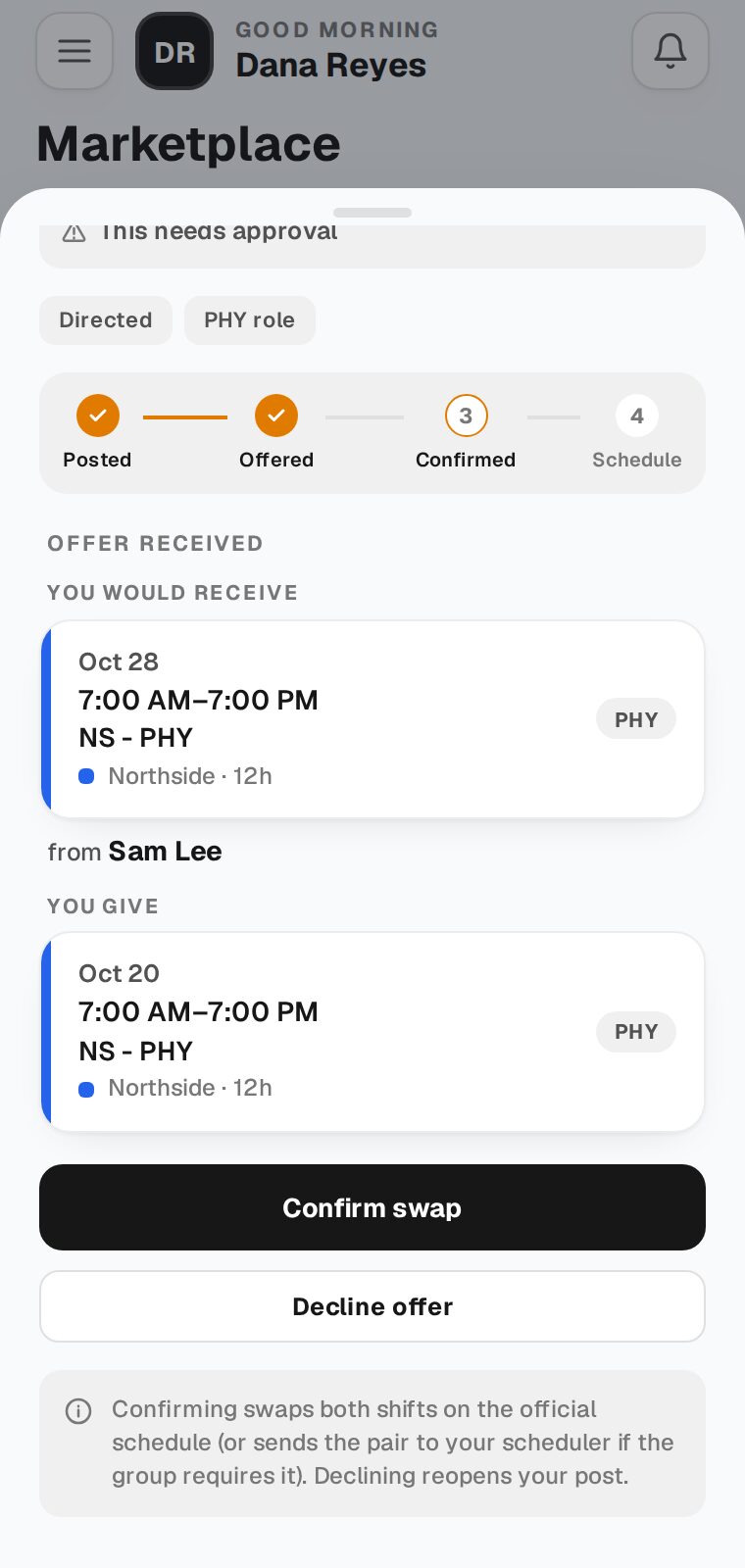
Not as a selection yet, we are working on it. For now, write the shift you want in the Note when you post the trade (for example, “Requesting your shift on 10/28”). The provider you picked and your scheduler can see it.
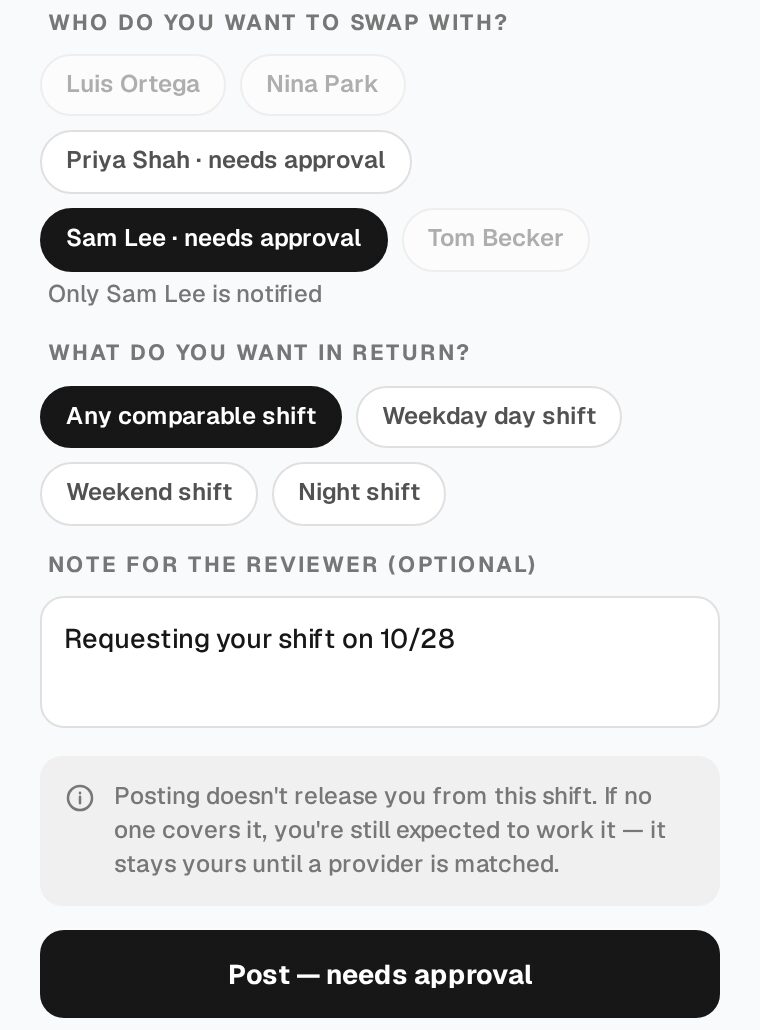
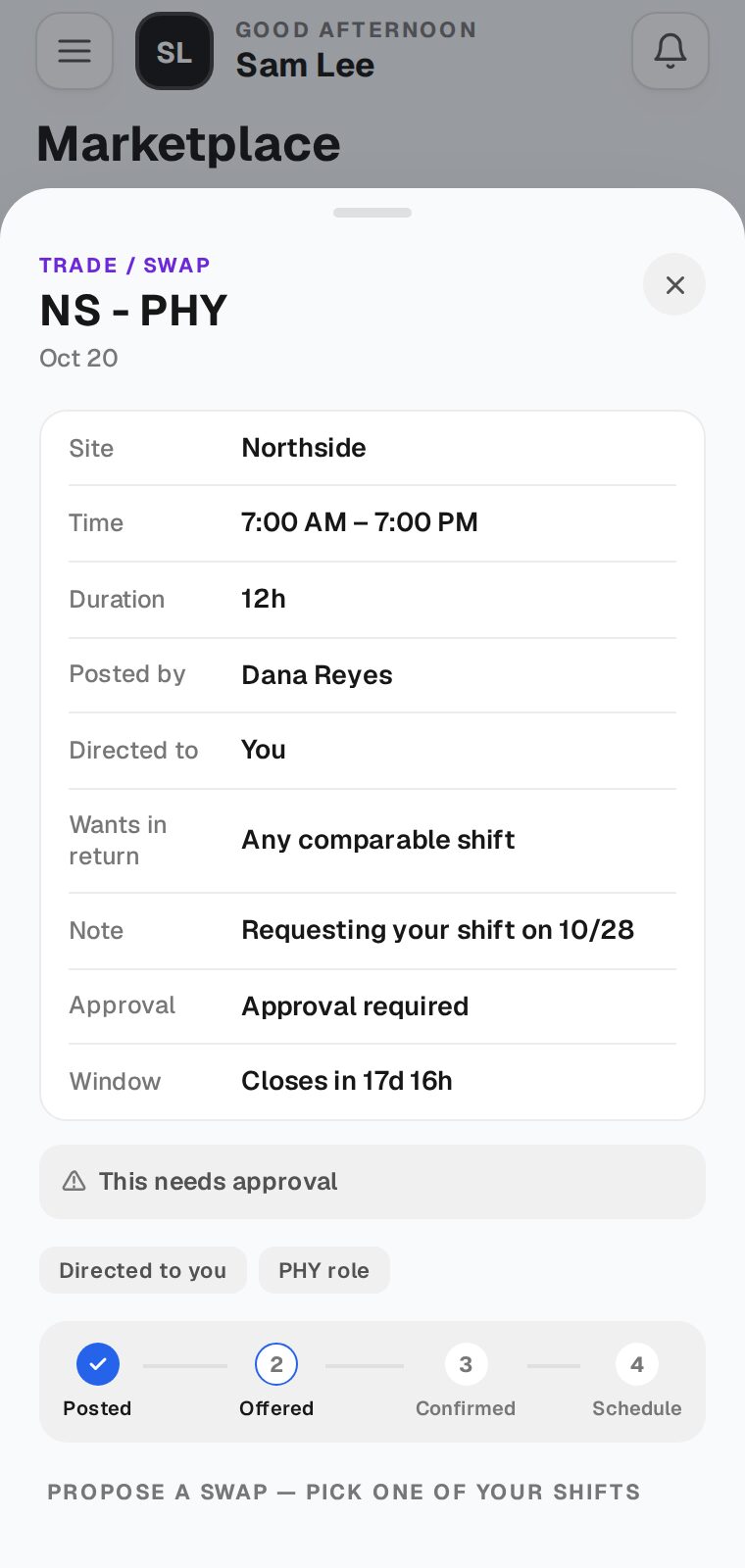
Open the trade from the notification or from Marketplace. Read their Note to see which of your shifts they want. Under Propose a swap, pick that shift, then tap Offer this swap. The provider who posted it confirms your offer, then your scheduler approves it. If it doesn’t work for you, tap Decline.
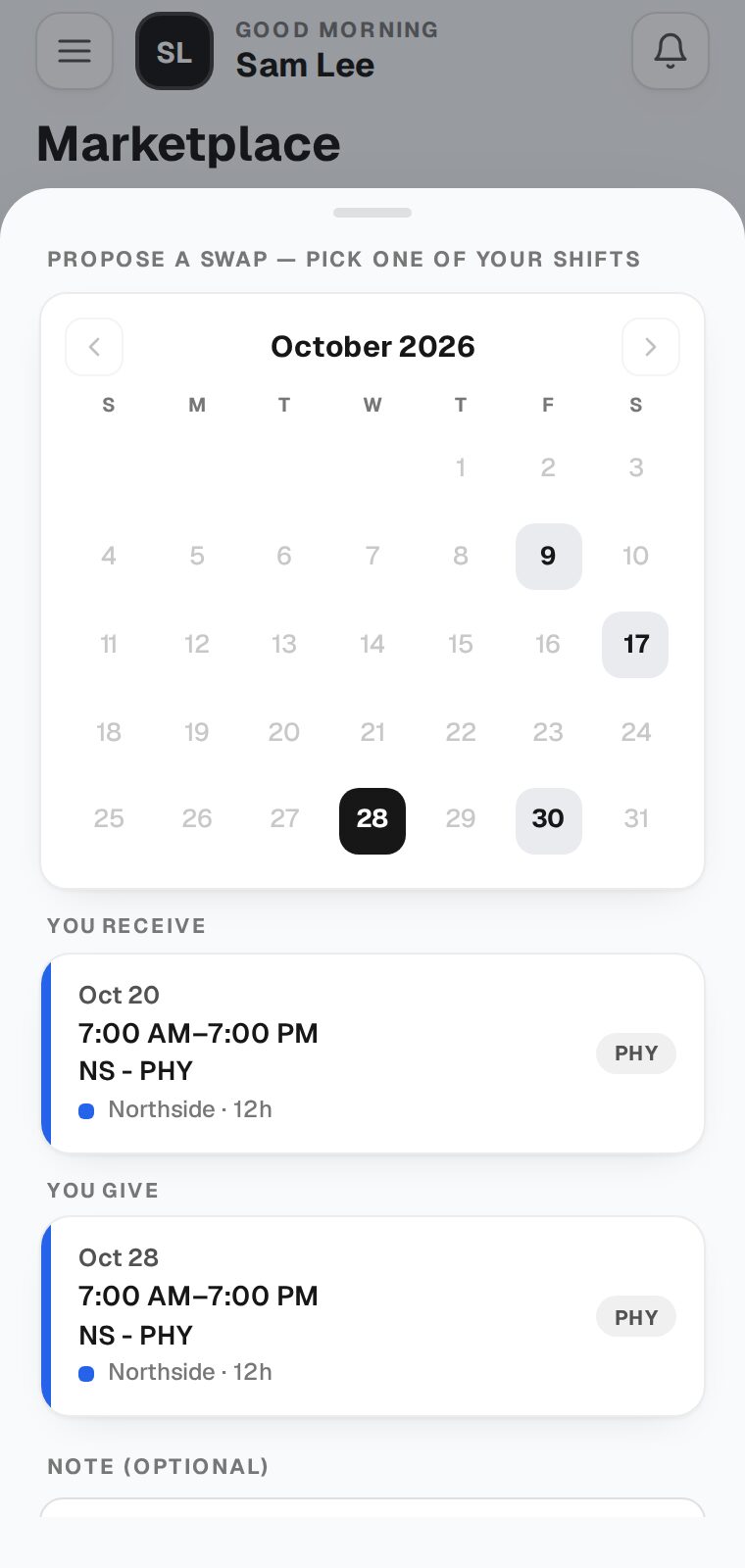
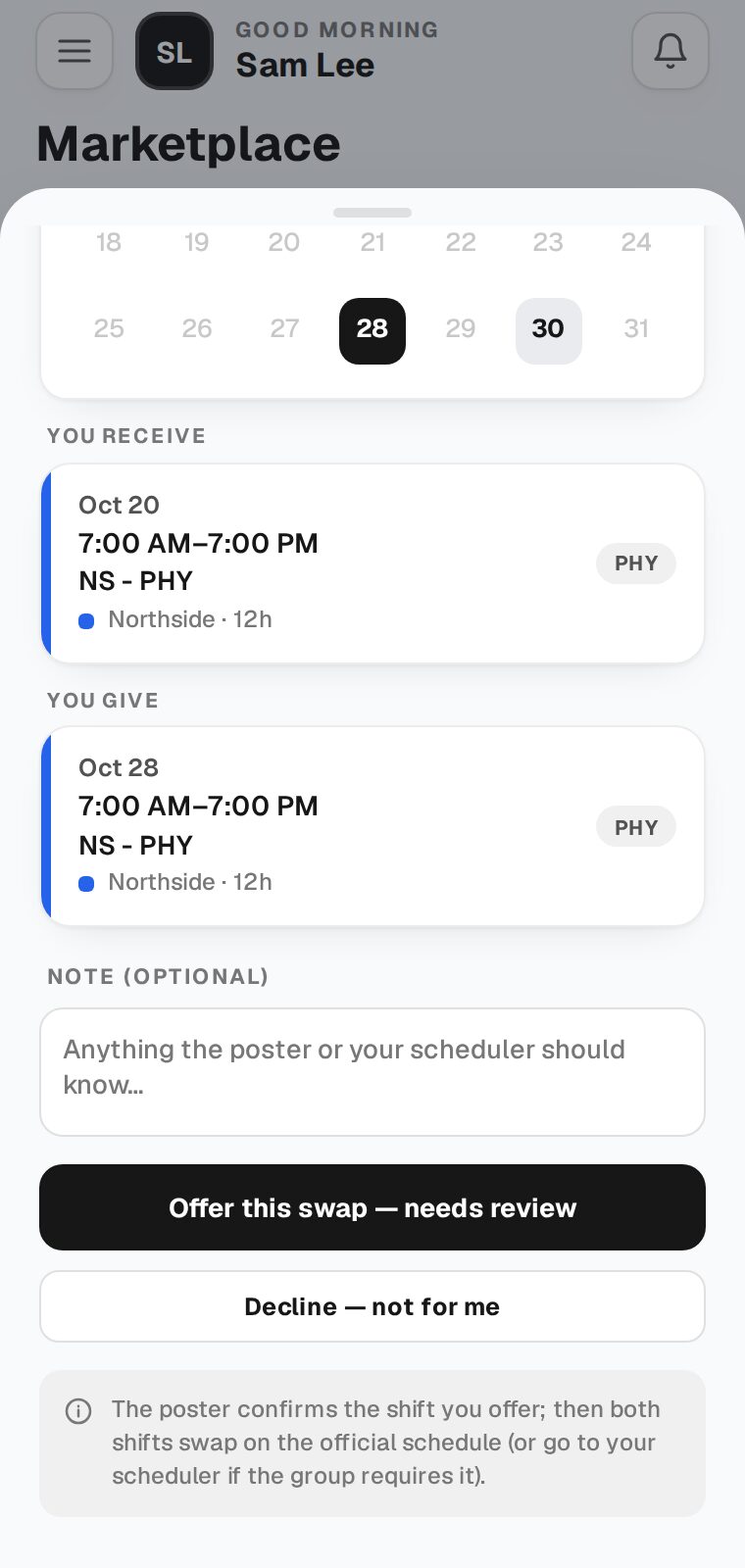
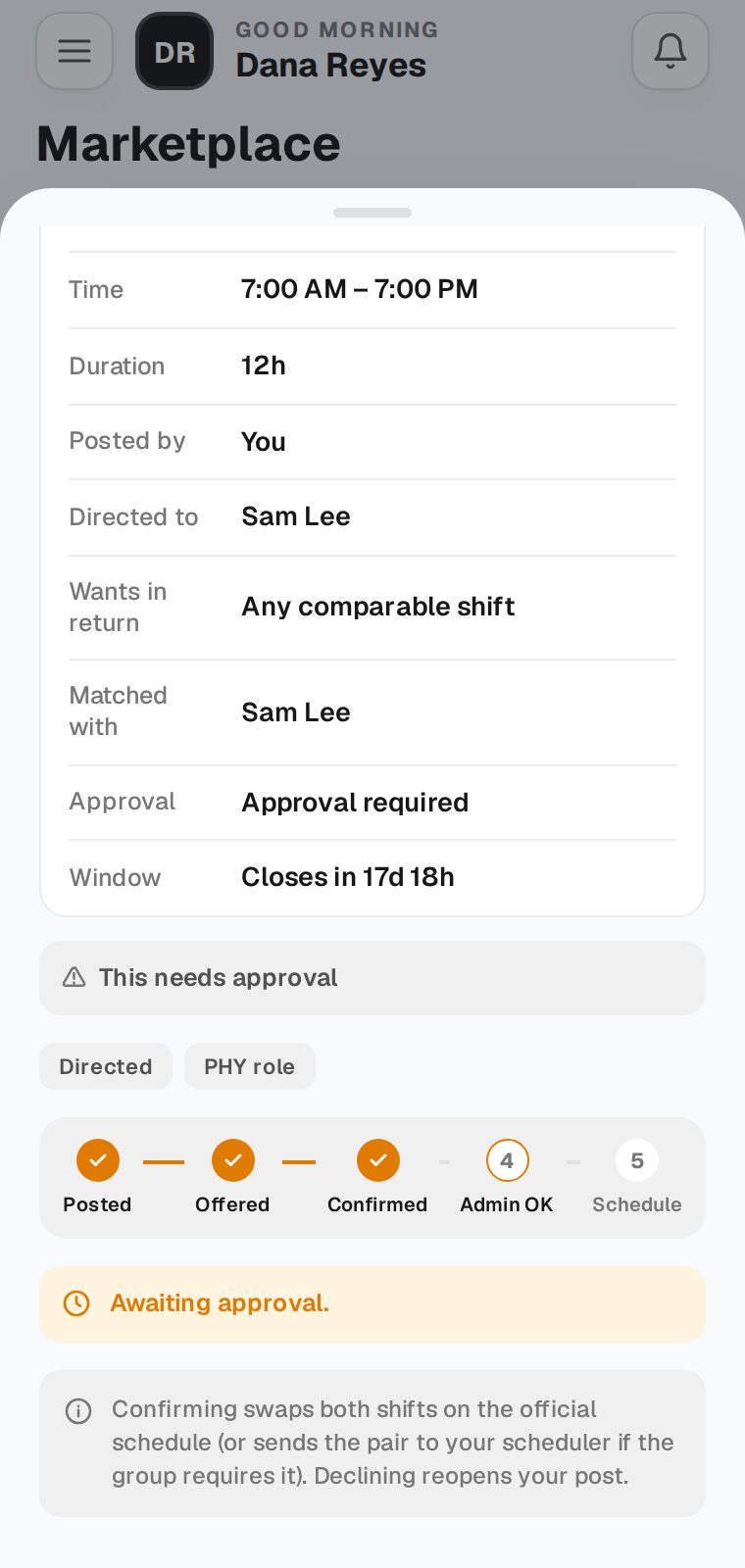
No. Your shift stays yours until the other provider offers a shift, you confirm it, and your scheduler approves it. Open the trade to see where it is: Posted, Offered, Confirmed, Admin OK, Schedule.
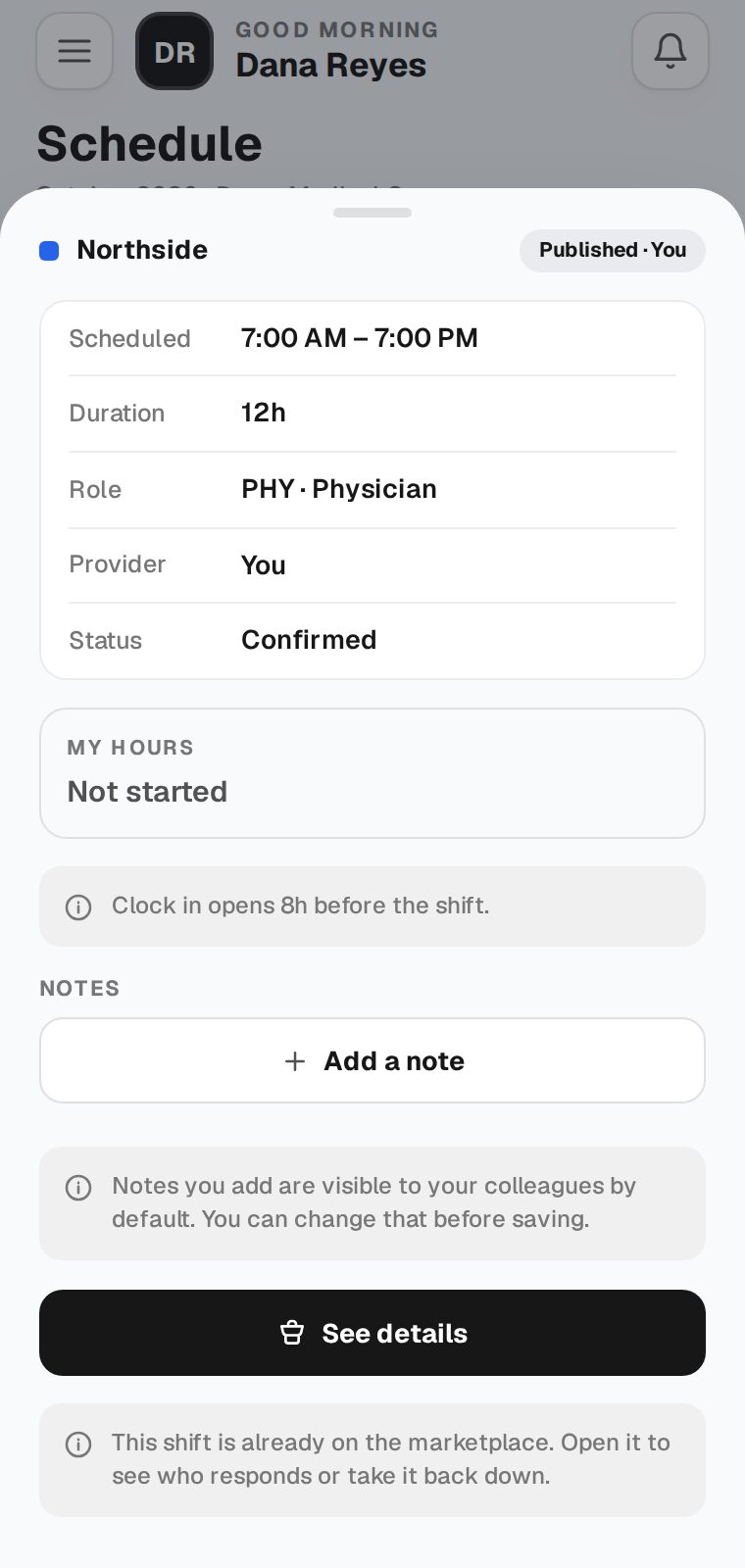
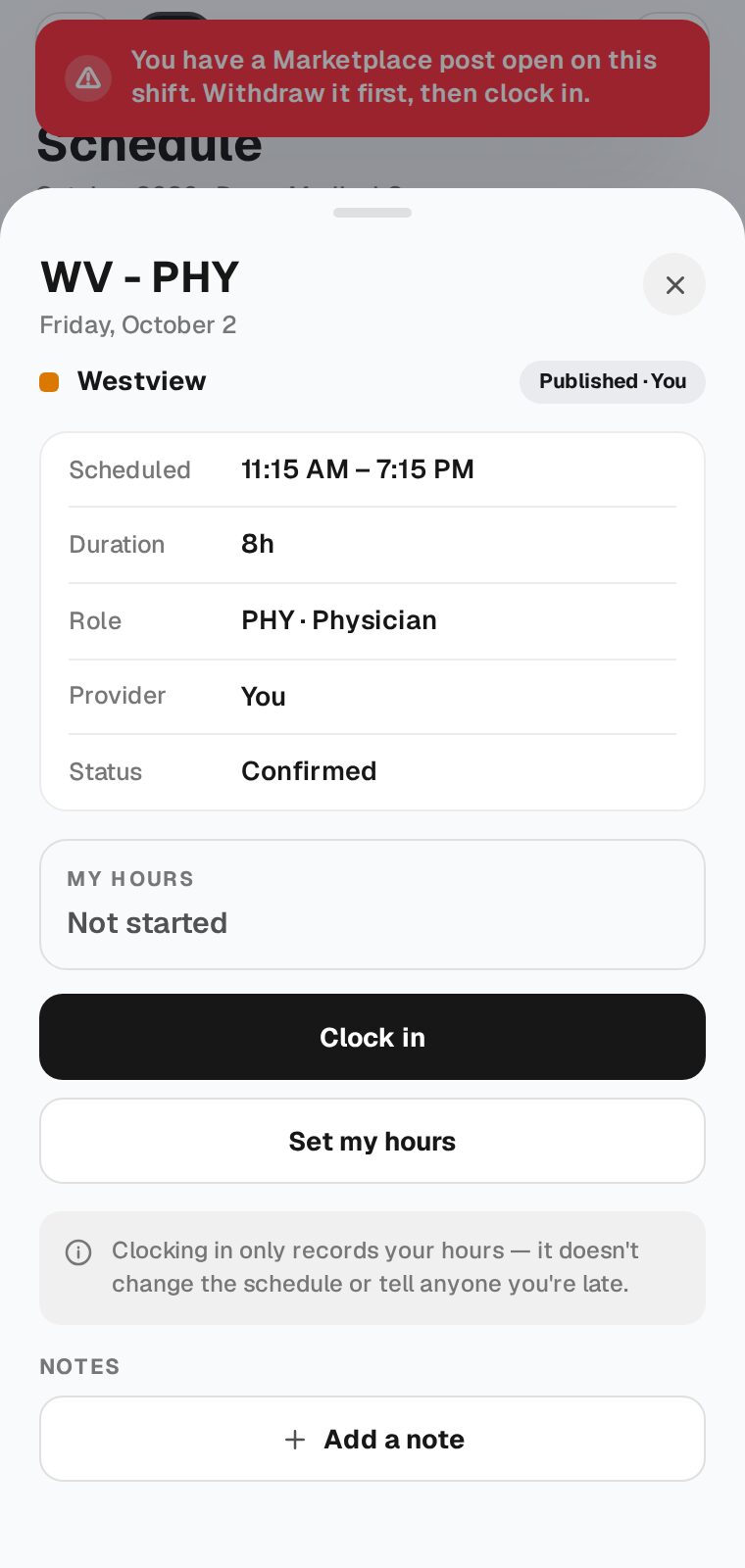
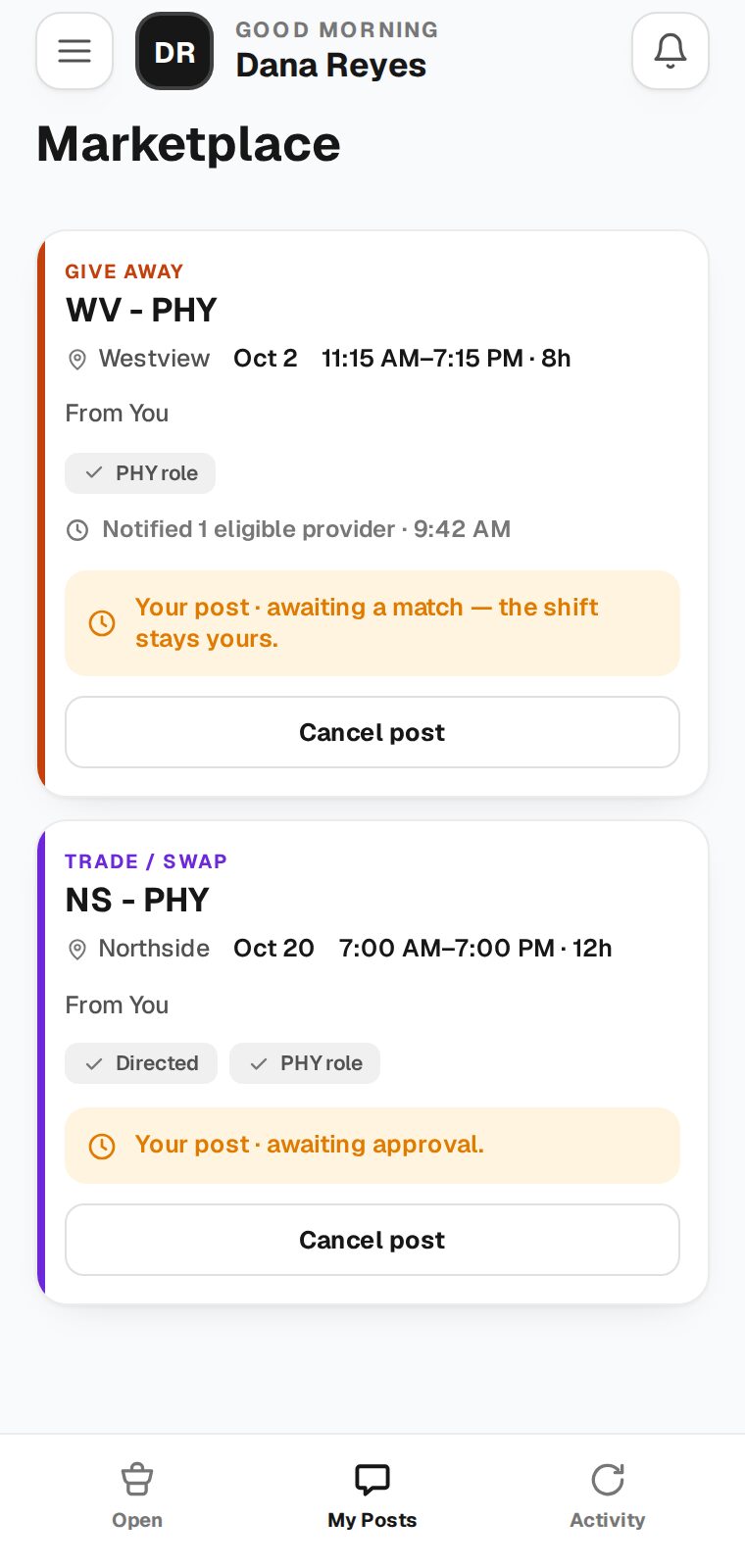
A post that is still open blocks clocking in on that shift. Go to Marketplace → My Posts, tap Cancel post on that shift, then clock in as usual.
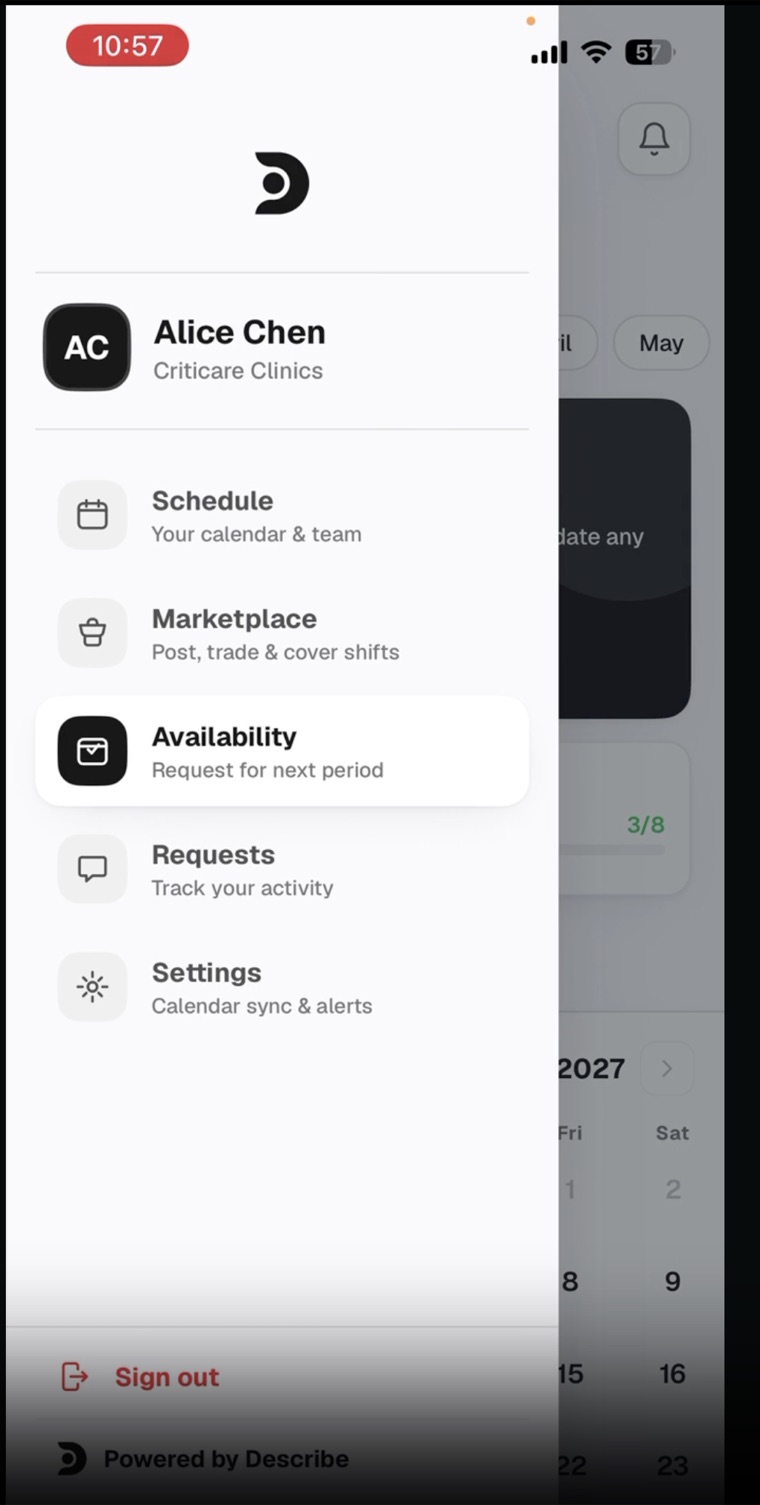
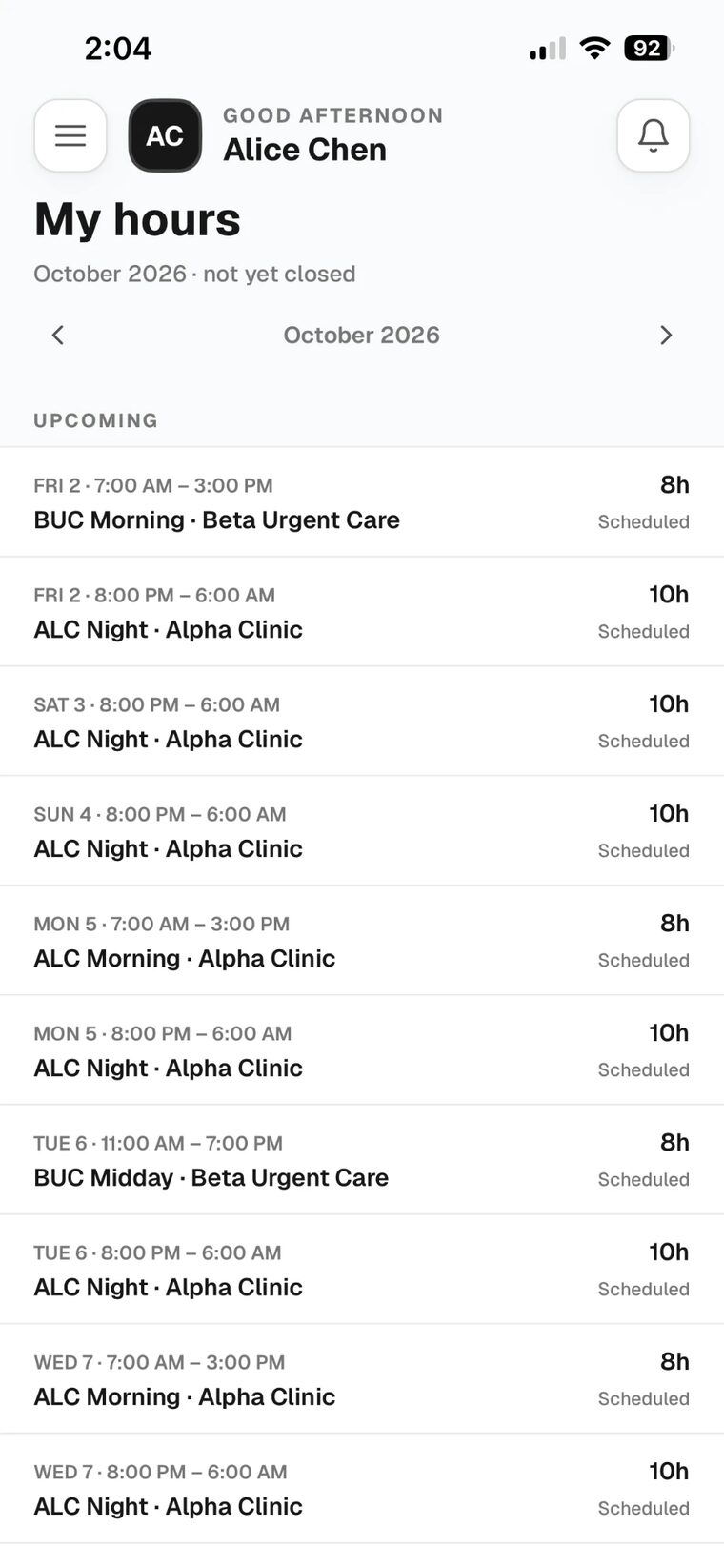
Yes. Open the menu and tap My hours. It lists all of your shifts for the month, Upcoming first, so you don’t have to tap each day on the calendar. Use the arrows at the top to change the month.
My hours is mainly for reviewing your clock ins and clock outs, but it works as an overview of your month too.
Reach out to akar@describemed.com (909) 358-5167
Step 1

Point your phone's camera at the code for your phone, or open the link we text you. The app cannot be found by searching the App Store or Google Play — it only opens from a direct link. Look for this icon.
Click one to jump to it. Press Esc to close.